WORLD 1 · BY GRADE
Typing Games by Grade
A grade-by-grade guide to free typing games and lessons for kindergarten through 5th grade. Each grade gets a starting lesson, two or three games that match what children of that age can usually do on a keyboard, and a realistic speed range, so teachers and parents can pick a starting point without guessing.
Typing games used in this grade guide
- EASY
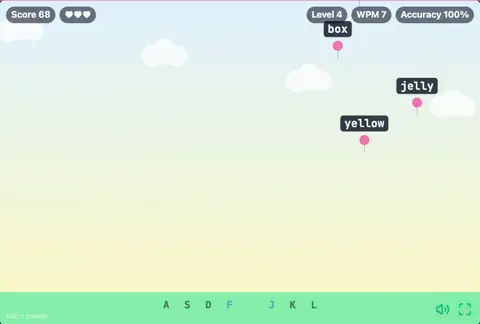
Alpha Words
Kindergarten and 1st grade. Level 1 is single home-row letters (A S D F J K L), then home-row words.
Play Alpha Words - EASY
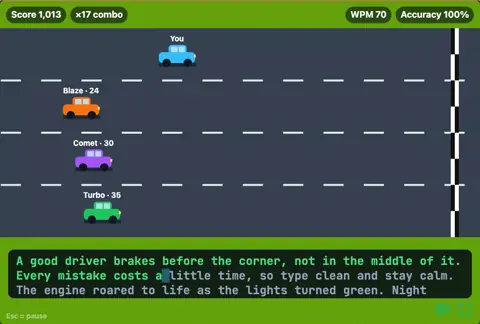
Car Racing Typing Game
1st and 2nd grade. Every correct letter moves the car; a wrong key only stalls it.
Play Car Racing Typing Game - EASY
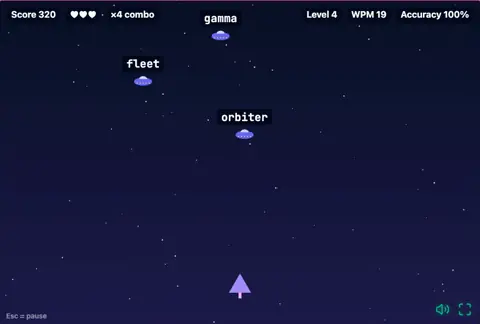
Galactic Mission
2nd and 3rd grade. Short ship names to type, one full phrase every third wave.
Play Galactic Mission - EASY
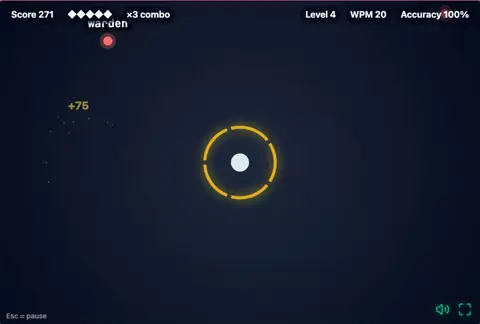
Endless Shield
2nd and 3rd grade. Words fly at a shield from all sides; five hits and it breaks.
Play Endless Shield - MEDIUM
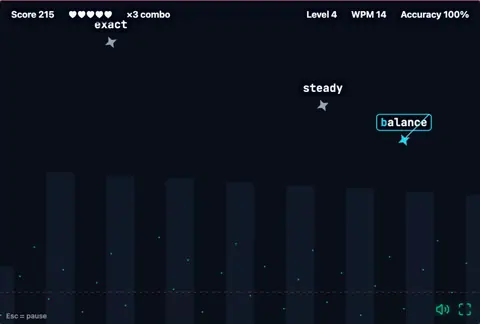
CyberNinja Typing Accuracy Game
3rd grade. Words fall slowly, but every wrong key costs a heart, so it trains accuracy.
Play CyberNinja Typing Accuracy Game - MEDIUM
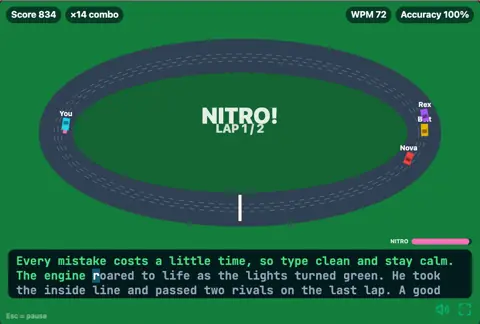
Nitro Track Racing
4th grade. Two laps; five clean words in a row fill the NITRO boost.
Play Nitro Track Racing - MEDIUM
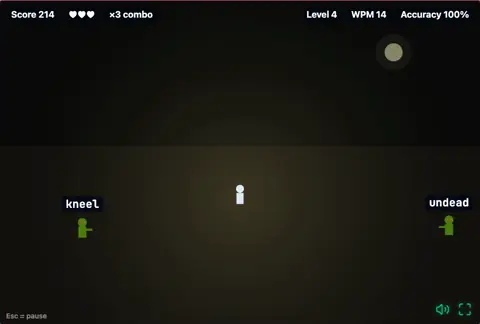
Zombie Typing Game
4th grade. Zombies come from both sides; type a zombie's word to stop it.
Play Zombie Typing Game - HARD
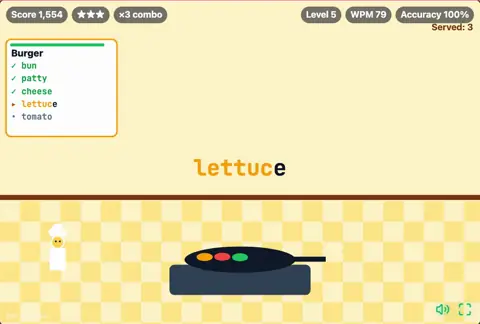
Typing Chef Cooking Game
5th grade. Type each order's ingredients in order before the customers leave.
Play Typing Chef Cooking Game - HARD
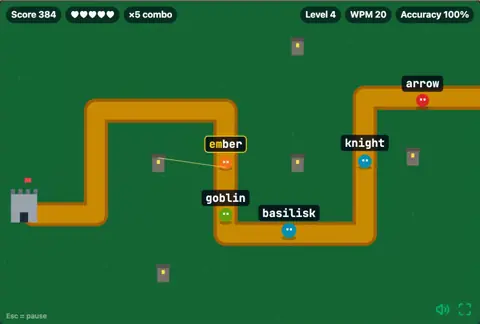
Tower Defense Typing Game
5th grade. Type a monster's name and the nearest tower fires.
Play Tower Defense Typing Game
Typing games and lessons for each grade
| Grade (usual age) | Start with this lesson | Games | Focus |
|---|---|---|---|
| Kindergarten (5–6) | Lesson 1: The Home Row | Alpha Words, level 1 | Finding the home row, one letter at a time |
| 1st grade (6–7) | Lessons 2–3: top and bottom rows | Alpha Words, Car Racing | All letters, eyes on the screen |
| 2nd grade (7–8) | Lessons 7–8: Basic Words | Car Racing, Galactic Mission, Endless Shield | Short real words |
| 3rd grade (8–9) | Lesson 9: Short Sentences | Endless Shield, CyberNinja Accuracy | Sentences and accuracy |
| 4th grade (9–10) | Lesson 11: Shift & Capitalization | Nitro Track Racing, Zombie Typing Game | Capitals and steady speed |
| 5th grade (10–11) | Lessons 12–15: numbers, punctuation, paragraphs | Typing Chef, Tower Defense | Longer text and punctuation |
Grades are a starting point, not a rule. A 4th grader who still looks for each key should start at the kindergarten row, and a confident 2nd grader can move straight to the 4th-grade games. Every lesson counts as passed at 90% accuracy, which is the best signal that a child is ready for the next row of the table.
Typical typing speed by grade
Speed depends far more on practice than on age, so use these ranges as a rough guide only. They come from the age table on our average typing speed page.
| Grade | Usual age | Common speed |
|---|---|---|
| Kindergarten | 5–6 | No speed target yet: learning where the letters are |
| 1st–3rd grade | 6–9 | 10–20 WPM |
| 4th grade | 9–10 | 10–20 WPM at 9, 15–25 WPM at 10 |
| 5th grade | 10–11 | 15–25 WPM at 10 (25–30 with regular practice), 20–25 WPM at 11 |
To measure a child's speed, use the typing test for kids, which uses short, simple sentences instead of book passages. Compare each child with their own result from a few weeks earlier rather than with the table.
How to use this in a classroom or at home
- Pick the row for the grade, then move up or down after one session depending on how it went.
- Ten minutes a day: one lesson, then one game from the same row. The full routine is on the typing practice for kids page.
- Same computer, same browser. There are no student accounts: lesson ticks, best scores and the pet's care points are saved in the browser on that device.
- Accuracy before speed. Praise rounds with few mistakes; speed follows on its own.
Every game is single-player against the computer, so there is no chat and no contact with other players. Teachers often call these keyboarding games; they work the same way on any laptop or desktop with a keyboard. On screens narrower than 640 pixels the lesson keyboard guide is hidden, so tablets without a keyboard are not a good fit.
Frequently asked questions
What typing games are good for 2nd grade?
Car Racing, Galactic Mission and Endless Shield are rated Easy and use short words, which suits most 2nd graders. Pair them with Lessons 7–8: Basic Words.
What typing speed should a 3rd grader have?
Children aged 6 to 9 commonly type 10–20 WPM. Practice matters much more than grade, so compare a child with their own earlier result.
Can kindergarteners use typing games?
Yes, if they know their letters. Alpha Words starts with single home-row letters (A S D F J K L) and Lesson 1 teaches the home row.
Do students need accounts?
No. There are no accounts. Progress, scores and the pet are saved in the browser on the device the student uses.
Are these typing games free for schools?
Yes. All games, lessons and the typing test on TypeTails are free, with no signup.