WORLD 1 · KEYBOARD GAMES
Keyboard Games for Computer Keyboard Practice
These keyboard games are sorted by the part of the keyboard they train, not just by theme. Pick the row or skill you want to practise, the home row, all letters, numbers, symbols or whole sentences, and the table below shows which free game trains it. Every game runs in the browser with no download or signup and needs a physical keyboard.
Keyboard games by what they train
- EASY
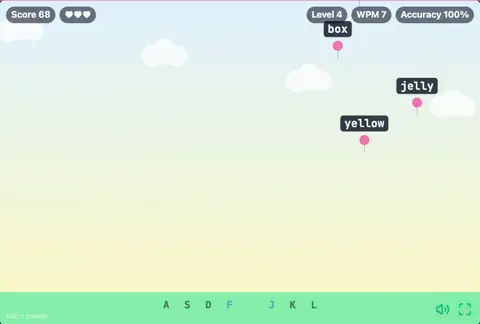
Alpha Words
Home row: single letters A S D F J K L first, then home-row words.
Play Alpha Words - EASY
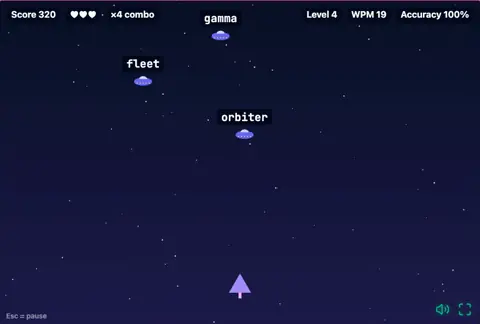
Galactic Mission
All letters: short words on ships, a full phrase every third wave.
Play Galactic Mission - EASY
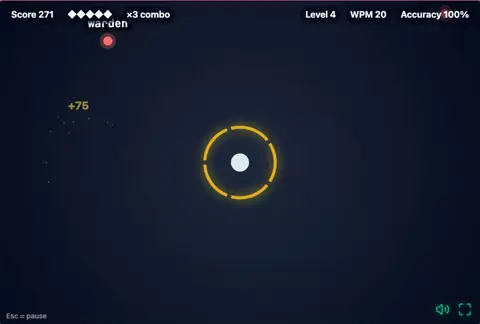
Endless Shield
Reading ahead: words come from every side. Also plays the number row in Lesson 12 mode.
Play Endless Shield - MEDIUM
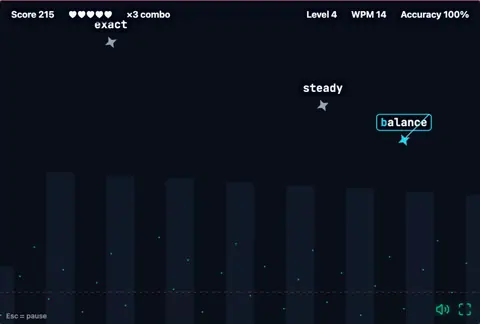
CyberNinja Typing Accuracy Game
Accuracy: slow words, but every wrong key costs a heart.
Play CyberNinja Typing Accuracy Game - EASY
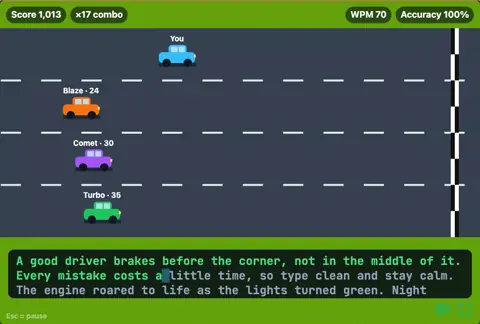
Car Racing Typing Game
Letter by letter: every correct key moves the car.
Play Car Racing Typing Game - MEDIUM
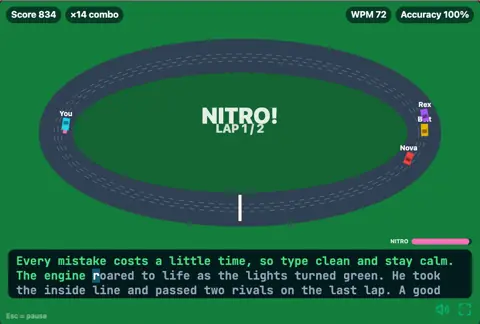
Nitro Track Racing
Full sentences with punctuation, two laps.
Play Nitro Track Racing - EXTREME
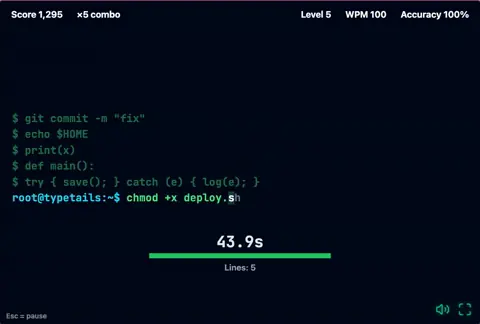
Console Hack
Symbols and capitals: commands must be typed exactly.
Play Console Hack - HARD
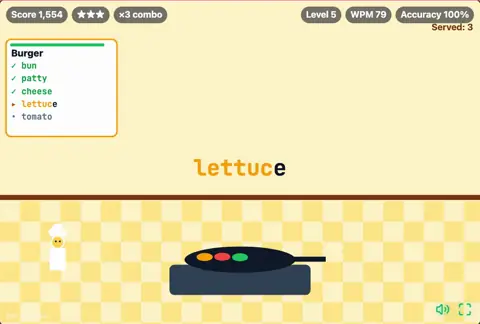
Typing Chef Cooking Game
Word sequences: type each order's ingredients in order.
Play Typing Chef Cooking Game - HARD
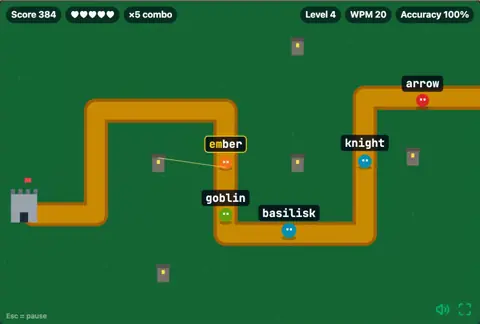
Tower Defense Typing Game
Number row in Lesson 12 mode; monster names otherwise.
Play Tower Defense Typing Game
Which keyboard game trains which keys
| Part of the keyboard | Game | Matching lesson |
|---|---|---|
| Home row (A S D F J K L ;) | Alpha Words | Lesson 1 |
| Top row (Q to P) | Galactic Mission | Lesson 2 |
| Bottom row (Z to /) | Endless Shield | Lesson 3 |
| Number row and numpad | Tower Defense | Lesson 12 |
| Shift, capitals and symbols | Console Hack | Lesson 11, 19 |
| Punctuation and sentences | Nitro Track Racing | Lesson 13 |
The links with a lesson number open the game in lesson mode: the game then uses only that lesson's keys, and a badge above it links back to the lesson.
Keyboarding games for school
In US schools, learning to type is usually called keyboarding. Keyboarding games work best next to short lessons: a lesson teaches the finger positions, and the game repeats the same keys under a little time pressure. For younger students, the typing games by grade page suggests a lesson and games for kindergarten to 5th grade.
How to get the most out of keyboard practice
- Keep your eyes on the screen and your fingers on the home row; the games reward accuracy, not mashing keys.
- Practise the part of the keyboard you are weakest on: for most people that is the number row or the symbols.
- Check your progress with a typing test once a week rather than after every game.
Frequently asked questions
What are keyboard games?
Keyboard games are games you play by typing on a computer keyboard: each correct key moves, shoots or scores. They are a way to practise touch typing without drills.
Are these keyboard games free?
Yes. All TypeTails keyboard games are free, run in the browser and need no download or signup.
Which keyboard game is best for beginners?
Alpha Words: it starts with single home-row letters and only later moves to words. Car Racing is the next step.
Can I practise the number keys with a game?
Yes. Open Tower Defense or Endless Shield from Lesson 12 and they use number groups instead of words.
Do keyboard games work on a phone or tablet?
They are made for a physical keyboard. On a tablet, connect a keyboard to play.